
The life you want, on your lock screen,
every time you look.

Free on the App Store · iPhone





Every glance
You look at your phone
a hundred times a day.
Most of those glances give nothing back. DreamWall makes each one a quiet rehearsal of the life you’re building — the home, the work, the love, the freedom. Not a poster you forget. A picture you live toward.
The board
Bring your dream to life.
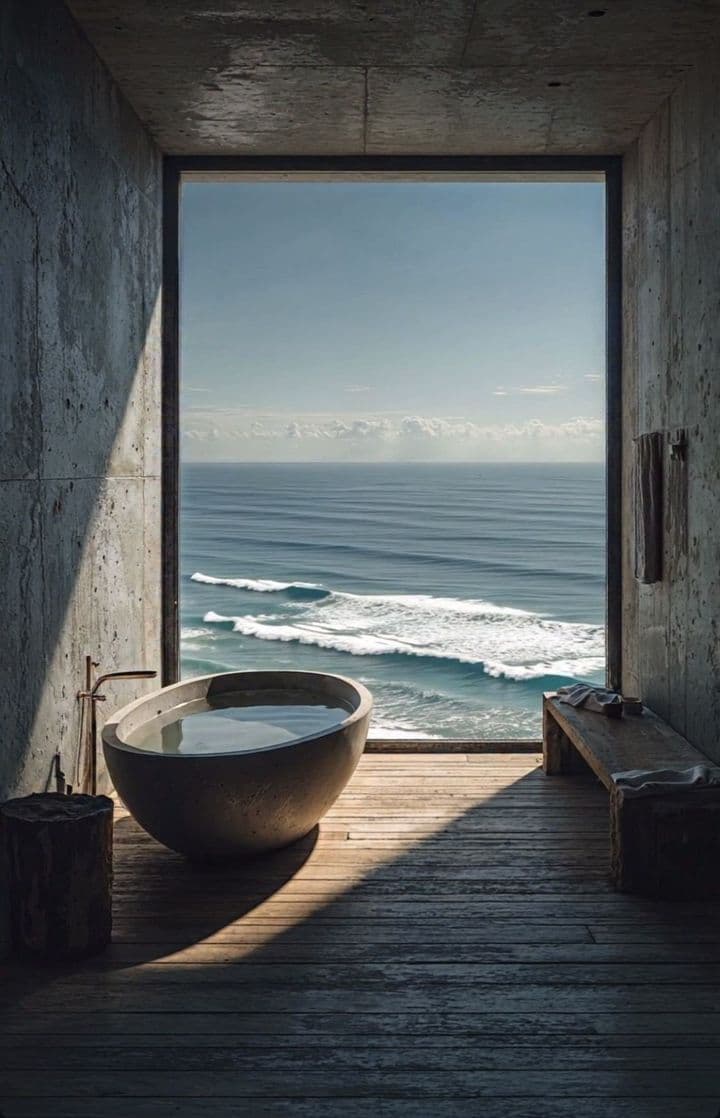
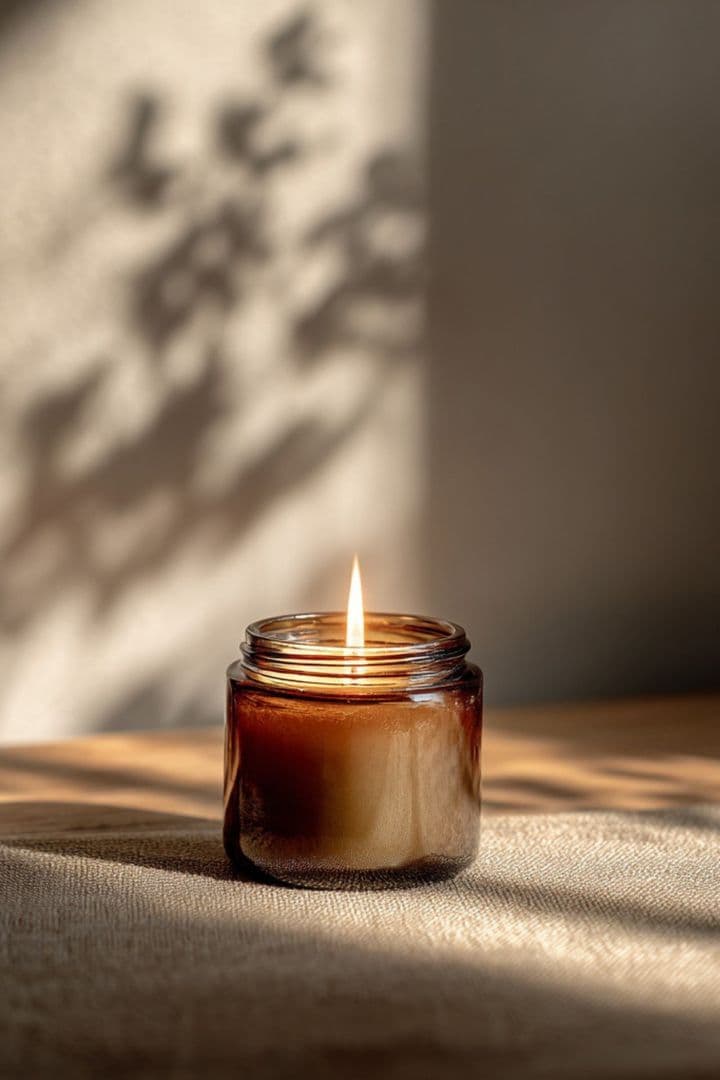
Add photos of the life you’re building. Pull from a gallery of three hundred curated scenes. Set the words that move you in quiet type. Then watch the board compose itself — every shuffle a new arrangement of the same dream.
- Your photosFrom your camera roll
- Curated gallery300+ scenes, chosen like film stills
- Quotes & notesYour words, set in type







One tap
Set once. Seen every morning.
A one-time, guided setup with Apple Shortcuts puts your board on your lock screen — it takes about twenty seconds. After that, your dreams simply show up. No design skills, no fiddling, no remembering.
Uses Apple’s Shortcuts app — the only way iOS lets your wallpaper refresh itself. We’ll walk you through it.
The ritual
Seeing it is half.
Here’s the other half.
Each morning, DreamWall pairs your board with one small, specific step toward it — and a feed of affirmations tuned to what you’re building. Gentle streaks. Honest progress. Hope converts to motion.
Your focus
“A studio of my own, morning light.”
This week’s step
Name the very next move — tiny and specific.
Why it works
Built on science,
not wishful thinking.
Here’s the uncomfortable finding: vividly fantasizing about a goal can quietly reduce your drive toward it. So DreamWall is built on what holds up instead — keeping your vision in daily sight, and pairing it with one concrete next step. Psychologists call it mental contrasting and if-then planning. You’ll just call it your morning.
No promised outcomes. No magic. A mechanism you can keep.